Approval
In short
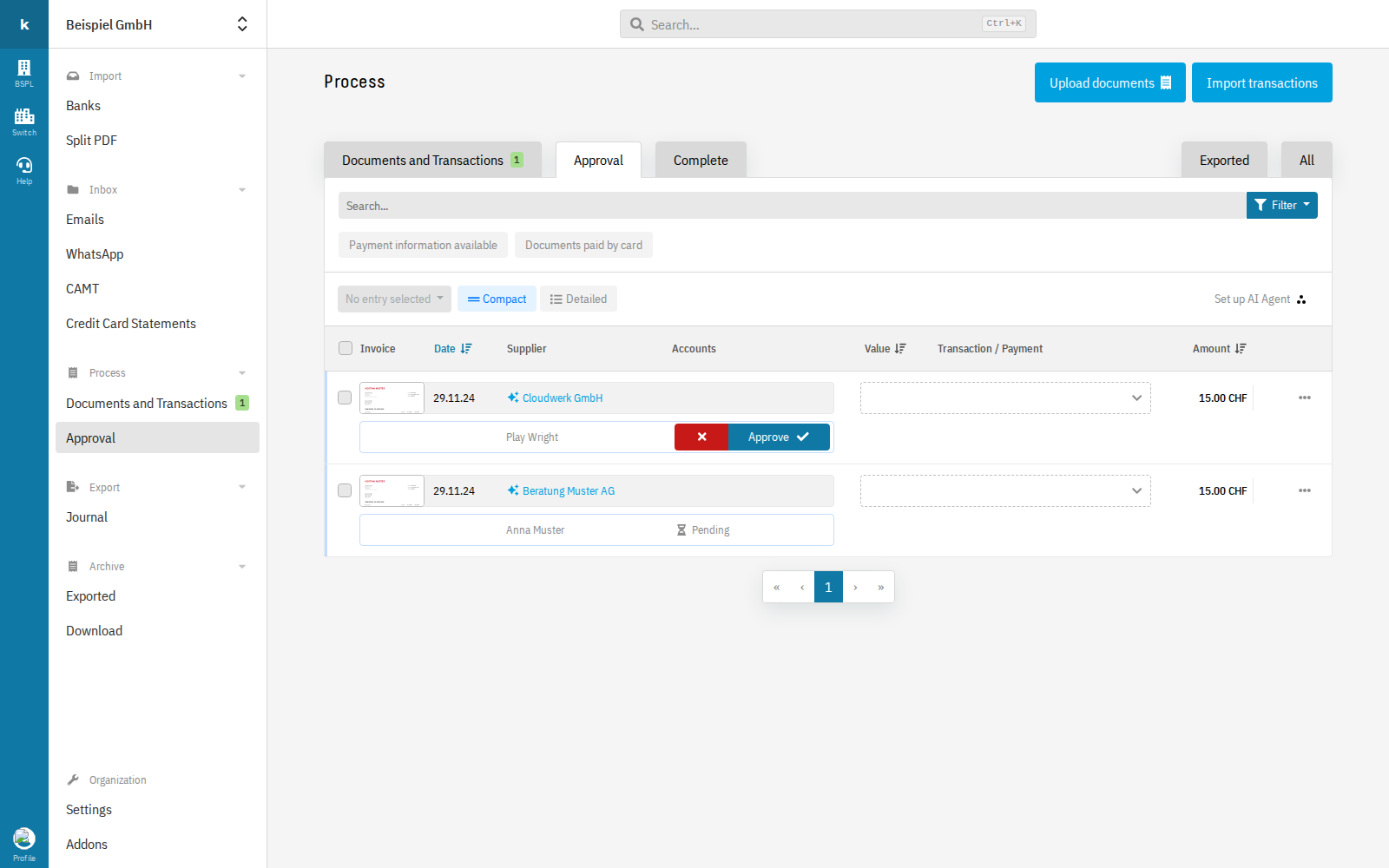
Section titled “In short”With approvals you get the consent of the responsible person before an export. An approval rule defines which documents need an approval and from whom. Affected documents stay in the “Approval” tab until they are approved or denied. Only then do they move on to “Complete”.
Where to find it
Section titled “Where to find it”lists every document waiting for a decision; the number next to the entry is the count of open approvals. You manage the rules under “Settings → Approval rules”.
How it works
Section titled “How it works”-
Create an approval rule
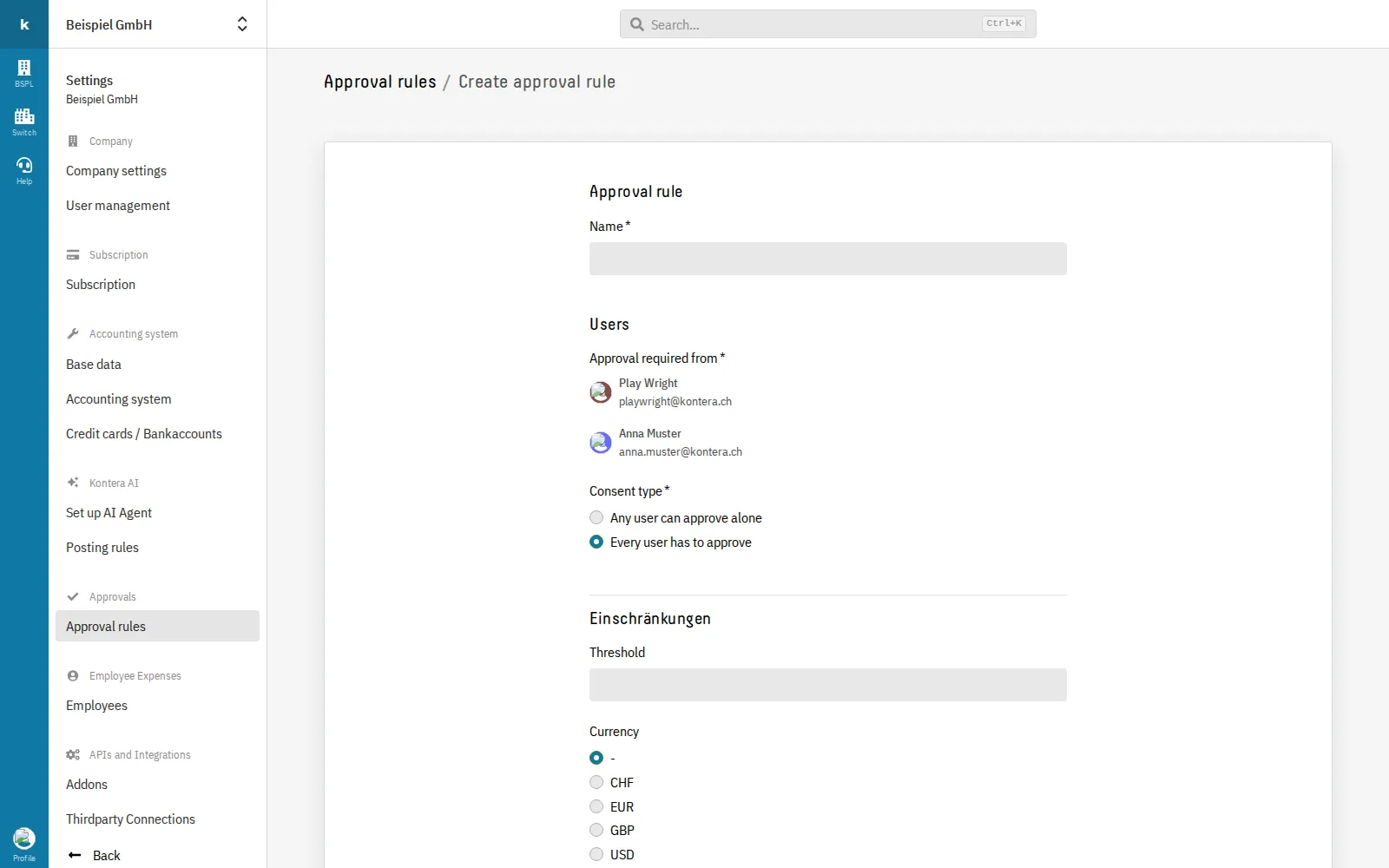
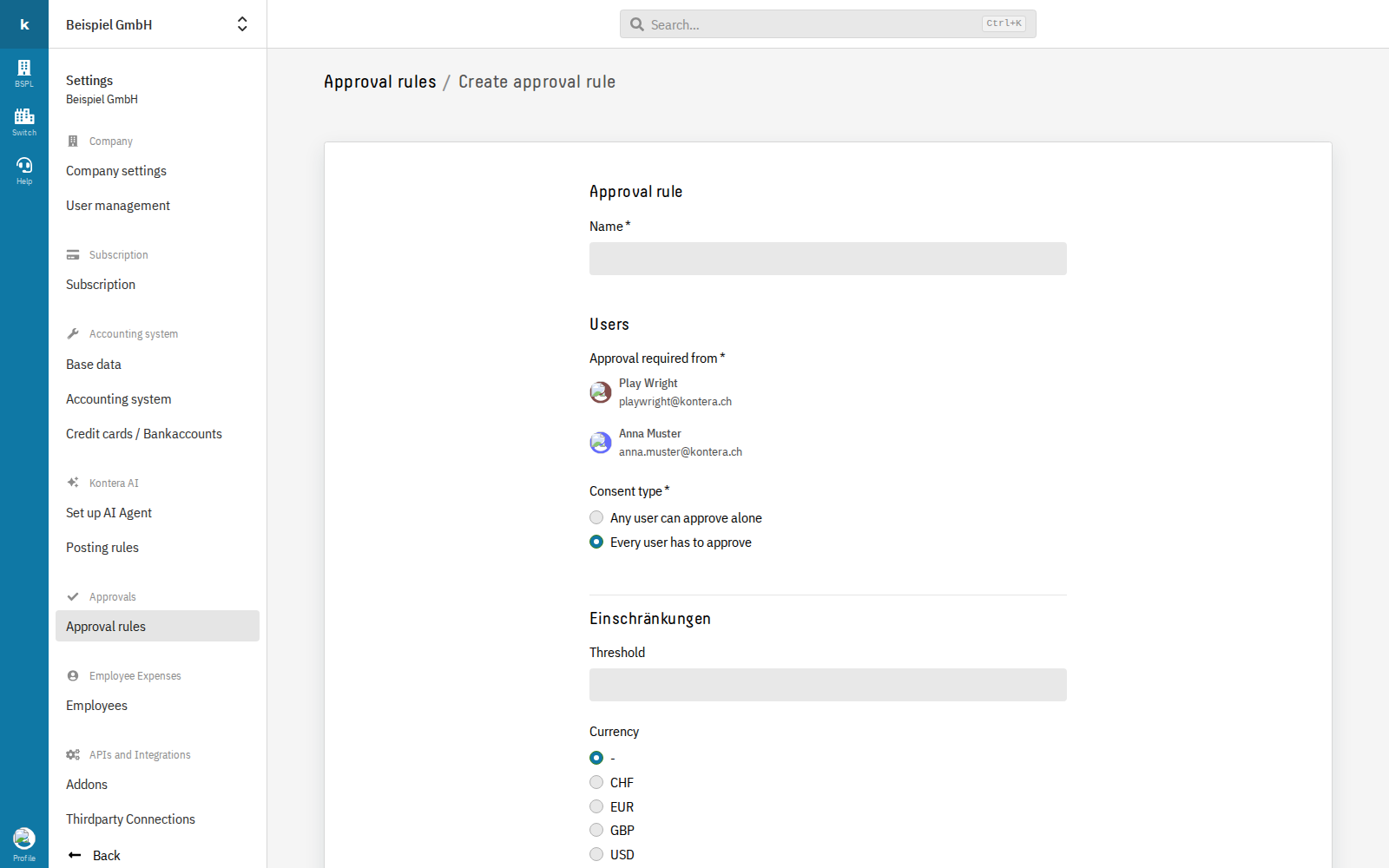
Under “Settings → Approval rules” click “Create approval rule”. Give the rule a name, pick the users whose approval is required and set the consent type: either the approval of a single person is enough, or all selected people have to approve.
-
Restrict the rule
Under “Restrictions” you limit the rule to documents from an amount threshold in a currency. “Applies only if payment advise is attached” makes the rule apply only to documents for which Kontera prepares a payment advise.
-
Document waits for approval
When a posted document matches the criteria of a rule, it appears in the “Approval” tab. The responsible people see the “Approve” and “Deny” buttons on the card. Everybody else sees the name of the responsible person and the status “Pending”.

-
Approve or deny
“Approve” releases the document and moves it on to “Complete”. “Deny” keeps it out of the export until it is corrected and approved again. Several documents are approved at once through the selection and “Entries…”.

Options
Section titled “Options”Request an approval without a rule
Section titled “Request an approval without a rule”Even without a matching rule you can request an approval for a single document: in the document, choose one or more people under “Approval”. The document then appears in the “Approval” tab just as it would with a rule.
Overview of the rules
Section titled “Overview of the rules”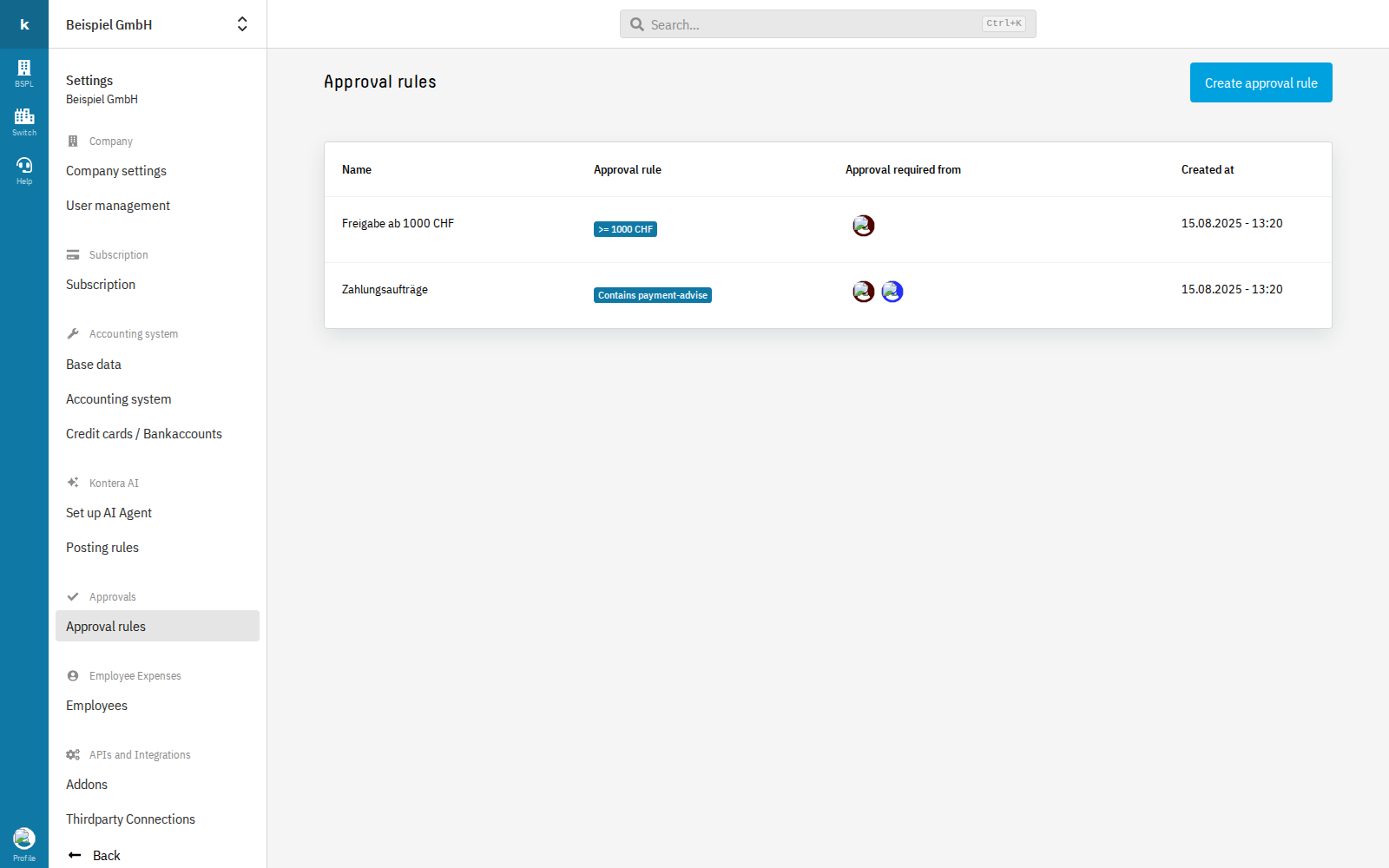
The list shows the amount threshold of each rule, whether it applies only to documents with a payment advise, and who has to approve. Deleting a rule keeps approvals that were already requested.
Reminder by email
Section titled “Reminder by email”Open approvals are part of the daily summary Kontera sends by email. Switch it on or off under “Profile → Notifications”.
Filters in “Documents and Transactions”
Section titled “Filters in “Documents and Transactions””The “Approver” filter in Documents and Transactions finds every document a specific person has to approve. “Pending approvals” shows all open decisions.